
Pay for Hourly Parking Without Downloading a Native App
Use QeasyPark’s web-based QR parking checkout to pay for an hourly stay from your phone without installing a native mobile app.
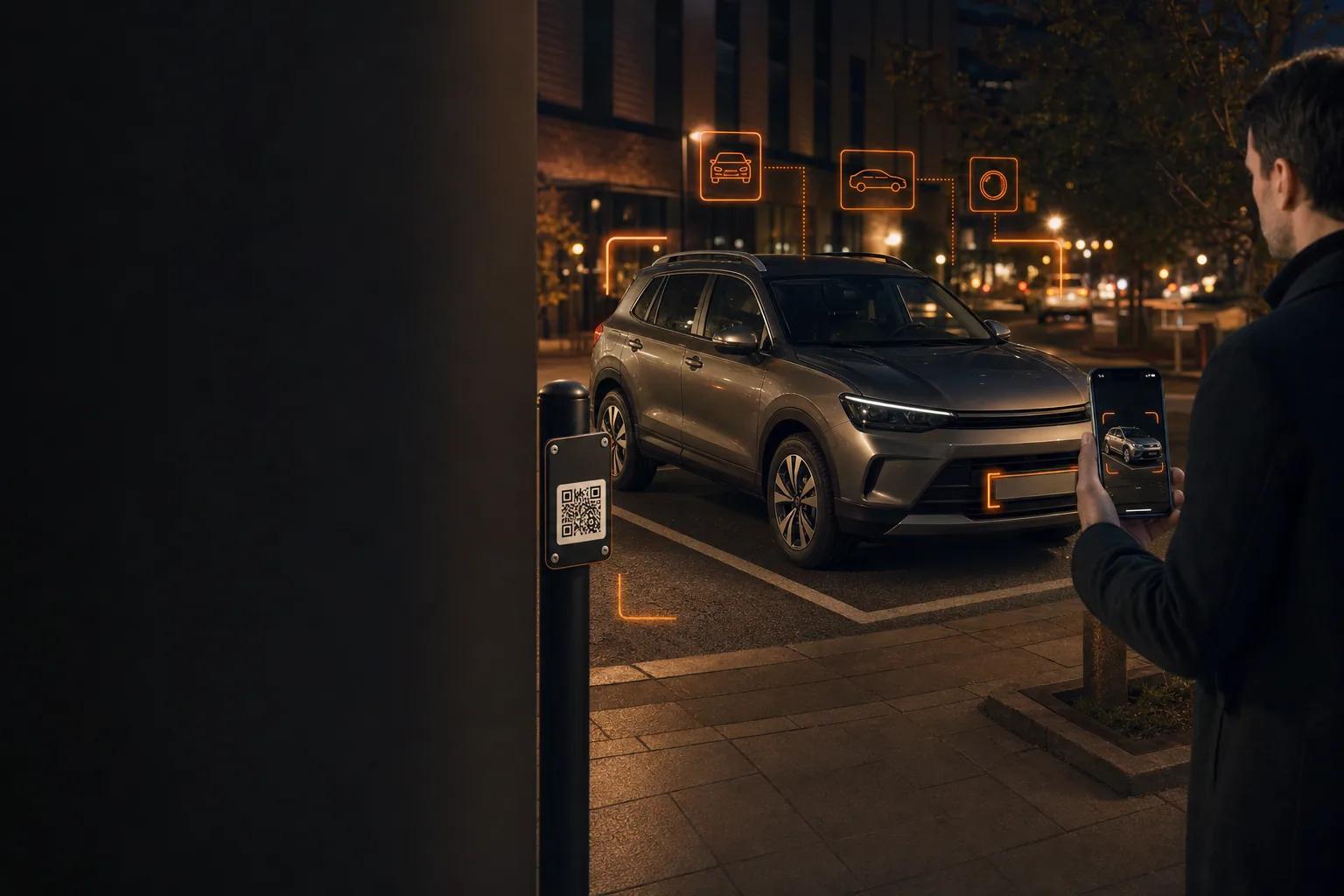
Quick answer
Direct answer
QeasyPark hourly parking opens from an on-site QR code in the phone’s browser. Customers can complete the parking checkout online without installing a native iPhone or Android app.
Key takeaways
- The QR code opens the correct participating facility page.
- A browser and internet connection are required.
- QeasyPark can also be installed as a Progressive Web App for easier return access.
Why use a web-based parking checkout?
A browser-based flow removes the app-store download step from a short parking transaction. The customer scans, confirms the facility, selects the stay, adds the vehicle, and pays from the page that opens.
This is especially useful for visitors who do not want to create a permanent native-app installation for a single hourly parking session.
What do you need to complete payment?
You need a phone with a camera and internet connection, a readable facility QR code, a full vehicle photo, valid contact information, and a supported Stripe payment method.
The exact parking price and any applicable vehicle surcharge are shown before payment. Do not leave the checkout until the success confirmation appears.
What is the QeasyPark PWA?
A Progressive Web App is a website that can be added to a device home screen for a more app-like launch experience. It remains web-based and does not require a traditional app-store update.
Customers can still use the normal browser flow without installing the PWA.
Frequently asked questions
Does QeasyPark have an iPhone or Android native app?
QeasyPark is web-based and can be used in a browser or installed as a Progressive Web App.
Can I pay without an account?
The hourly QR parking flow is designed for a direct facility checkout. Enter the required contact and vehicle details shown on the page.
Do I need internet access?
Yes. An internet connection is required to load the facility page, process vehicle information, and complete payment.
Parking prices, availability, access hours, promotions, and facility rules can change. Review the live QeasyPark listing, checkout summary, and posted facility instructions before parking.