
How QR Code Parking Payments Work
Learn how to scan a QeasyPark QR code, photograph your vehicle, select parking time, and complete a secure hourly parking payment.
Quick answer
Direct answer
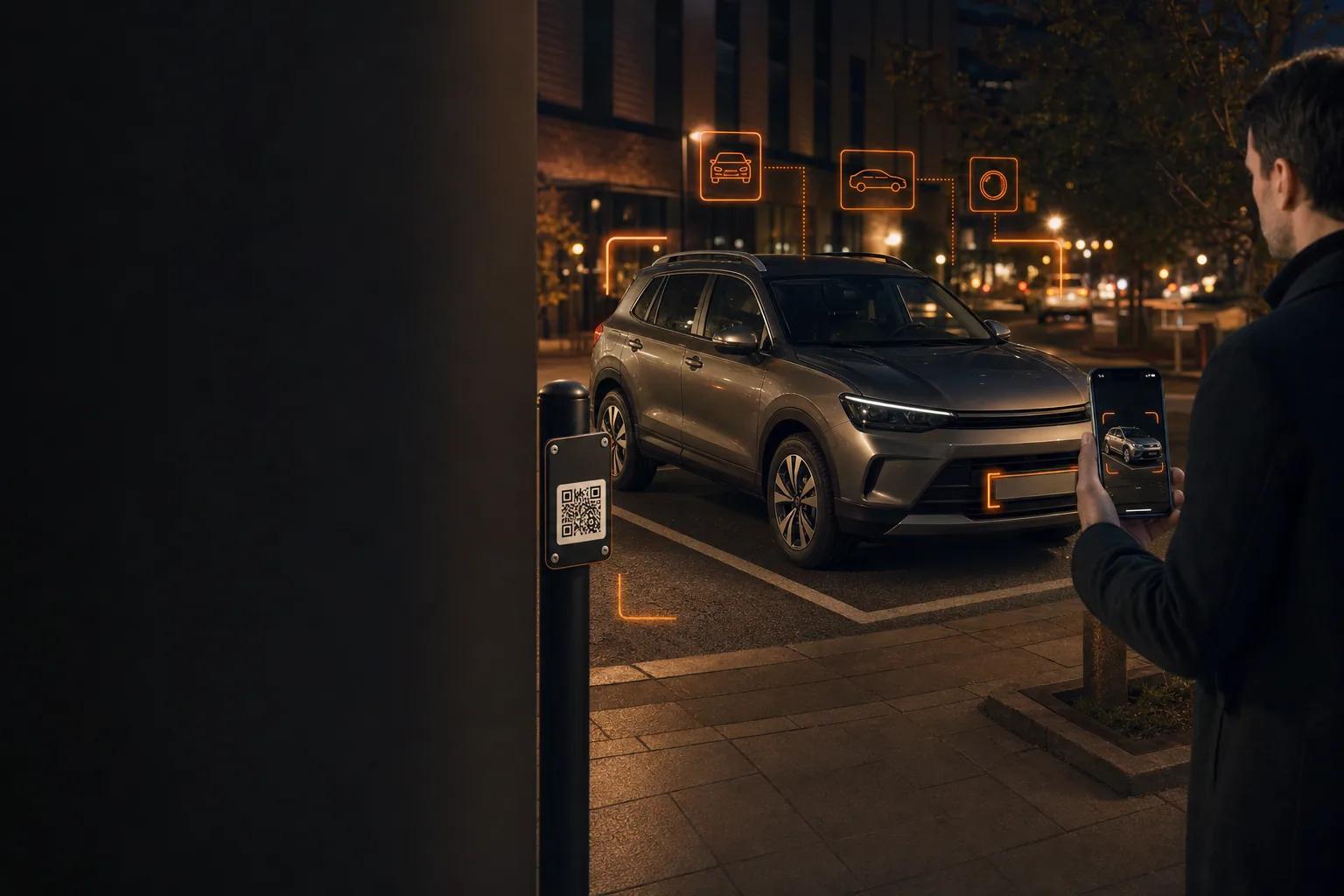
At a participating QeasyPark location, scan the posted QR code to open that facility’s parking page, photograph the full vehicle, review AI-recognized vehicle information, select the parking time, enter contact details, and pay securely online.
Key takeaways
- Scan the QR code posted at the facility you are actually using.
- Photograph the complete front or rear of the vehicle, not only the plate.
- Review recognized details and correct the plate before payment.
What happens after you scan the code?
The QR code opens a web-based parking page tied to the participating facility. There is no need to search for the location manually when the correct on-site code is used.
The page displays facility information, parking choices, vehicle capture, contact fields, and the payment summary. The customer should confirm the location before continuing.
Why does QeasyPark ask for a vehicle photo?
A full front or rear vehicle image gives the AI-assisted recognition process enough context to identify the license plate and estimate make, model, type, and color. A close-up of only the plate removes useful vehicle context.
Recognition is an aid, not a reason to skip review. If the returned make, model, or color is generic, unknown, or unavailable, QeasyPark asks the customer to select the missing details before payment.
How is the payment completed?
After selecting the parking period and confirming the vehicle, the customer enters a valid email and phone number and reviews the amount. Stripe handles the secure payment step.
A successful payment produces a confirmation page and email. Keep the confirmation available during the parking period and follow posted facility rules.
Frequently asked questions
Do I need to download a native app?
No native app download is required for a QR payment. The parking page opens in the mobile browser, and QeasyPark is also available as a web app.
Should I photograph only the license plate?
No. Include the full front or rear of the vehicle with the plate visible so the recognition process has vehicle context.
Can I correct an incorrect plate?
Yes. Review and edit the license plate before approving the vehicle and paying.
Parking prices, availability, access hours, promotions, and facility rules can change. Review the live QeasyPark listing, checkout summary, and posted facility instructions before parking.